Add your own title and intro here (Change this under Settings -> General -> Tagline)

Category: Free Inquiry

This is the category to apply to your Free Inquiry posts.

QR Code Tutorial

During this tutorial, I learned about how to make a QR, and the benefits it can have in the classroom. To create this code, I used the shortcuts app, which was super easy to use to create this website (decolonizing music education) into a QR code. 

I believe this tool will be beneficial to use in my teaching practice, as it provides me with an easy way to share information with students that takes out the distraction or confusion of how or where to find resources. It can also be used by students to help with collaborative work, be used to link to quizzes or course check ins, and overall be an interactive way students can participate in their learning. 

While this is a great tool, I think it is important to note that the new phone-ban that has been implemented in schools might be an obstacle in using QR codes in the classroom, so that is something that I will have to be aware of if I plan to use QR codes in my teaching.

Kahoot Tutorial

During this tutorial, I was able to learn more about the educational benefits of a kahoot. I was already familiar with the site, which is an online platform where people can make quizzes online, and people answer these questions using their phones. I’ve seen this used a lot in classes, as it’s something students often really enjoy, as it gamifies the learning experience (and it has fun music!) However, through this tutorial, I was able to gain a deeper understanding of how to create kahoots as a teacher that can best benefit your students. I learned how to stop students from creating inappropriate nicknames, how to create a kahoot for distance learning, how to make an un-timed quiz, and the different ways you can present the questions (like puzzles, polls, type answers, etc). I think that these variations in questions allow for kahoots to be a beneficial and fun way of assessing students’ understanding in the classroom.

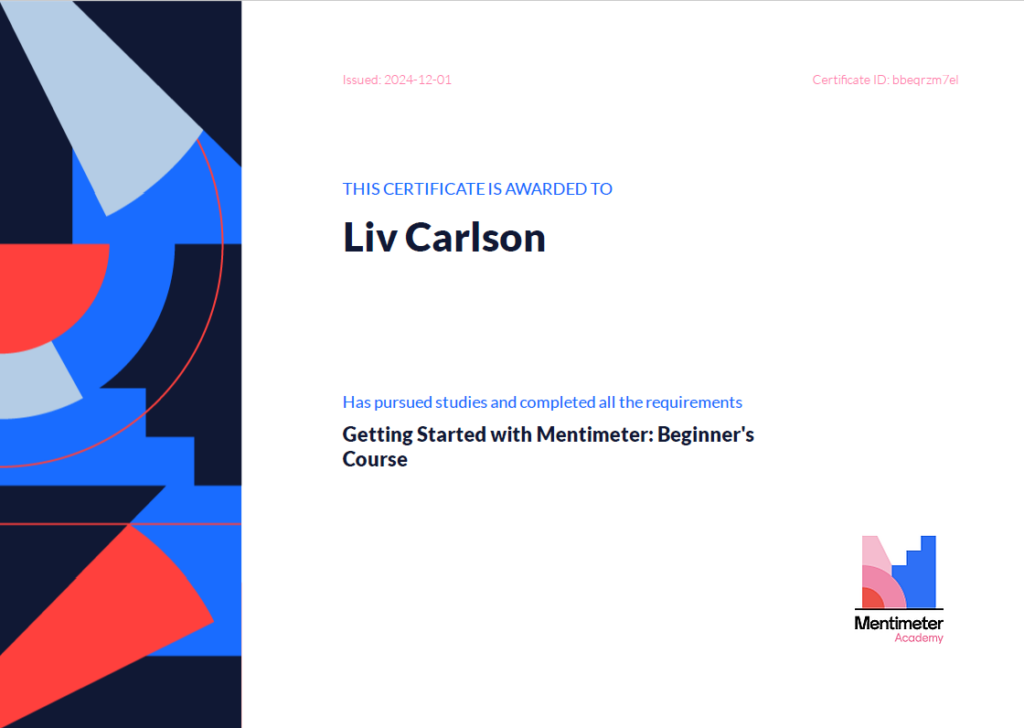
Mentimeter Tutorial

During this tutorial, I had the opportunity to learn more about the mentimeter platform as a slide deck, rather than just an audience pulling system. Experiencing the use of this technology throughout this semester in various courses also helped me see its value in gathering information from the class through word clouds, surveys, and polls. The ability to engage students in real time is a great tool for attention retention, and a great way for students to feel that they can impact the course of their learning in real time. The distance learning capabilities offered by this platform as a slide deck and polling tool are such that students who are not present for class in person can still contribute to the learning process. I am considering using mentimeter as an alternative for google slides or canva in my classroom as something to keep in my toolkit as a way to engage my students in a slide deck medium.

© 2026 Liv's 336 Thoughts

Theme by Anders NorenUp ↑